
What Is Akapulu Labs?
Live conversational avatars on a public link, or the face on audio from your own bot.
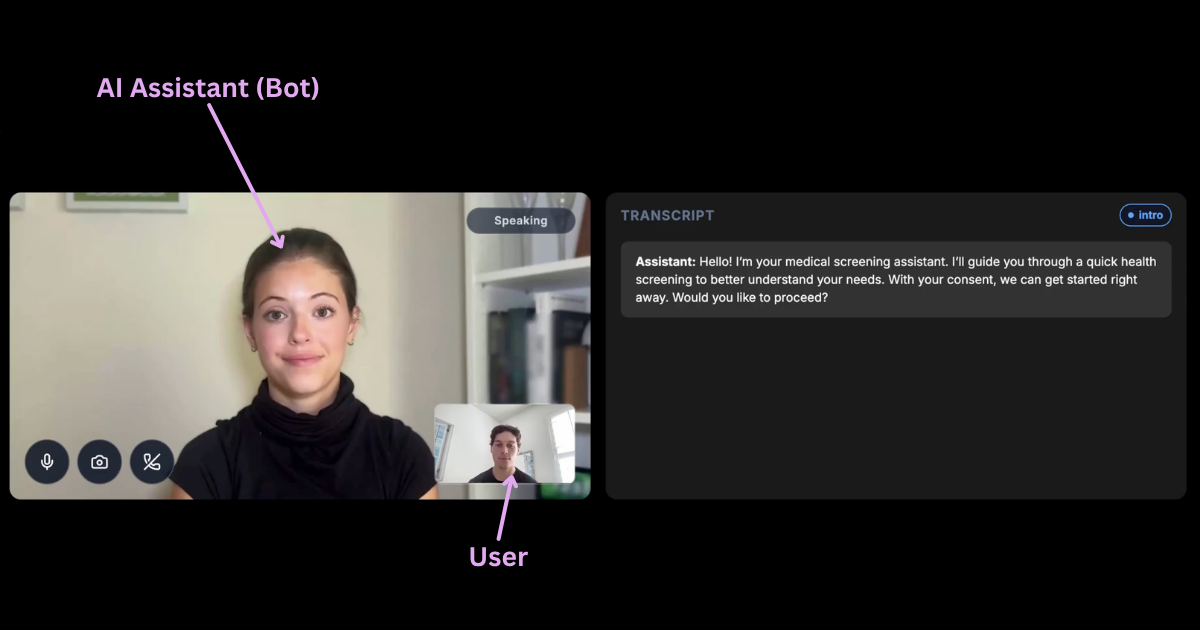
Akapulu Labs builds live conversational avatars. Share one on a public link, or put the face on audio from your own bot.
A live call is three participants in one room: the person in the browser, your bot, and the avatar. Your bot hears the person and produces the speech. The avatar publishes the face and that audio.
Start with the Quickstart.
A public link
A hosted link is a URL. In the dashboard you pick an avatar, write the system prompt, and choose whether the video shows This is AI. Anyone with the link can start the call. You do not run a bot, and the page does not hold your API key.
Read Hosted links.
Your own bot
Create a private Daily room and a meeting token for the browser, your bot, and the avatar. From your server, POST /api/live-sessions/ with the avatar id, whether to show This is AI, the room URL, and the avatar's meeting token. The response is a session id.
Install pipecat-akapulu and place AkapuluAvatar after the audio you want the avatar to speak. Leave audio out and video out off on your transport. The avatar is the publisher for the face and the played audio.
The steps are in Your bot. The public example is akapulu-examples.
The catalog
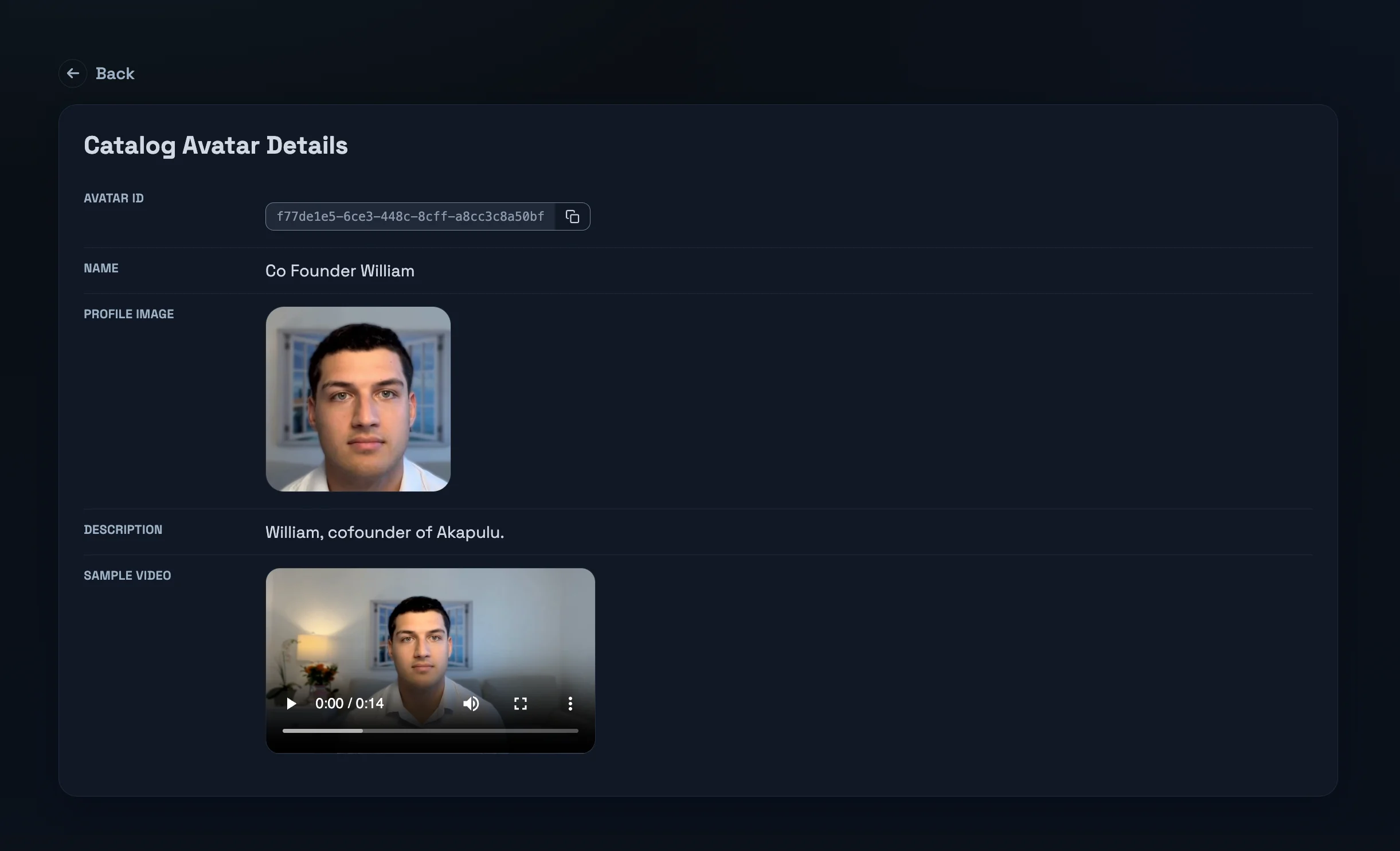
Pick a public avatar and pass its id. Custom avatars are part of the enterprise plan. See the avatar catalog.
The mark on every frame
Every avatar frame carries an invisible mark that reads back as akapulu. It is separate from the This is AI card. Upload an mp4 and read the mark with the video-mark API.
When you are ready, sign in.