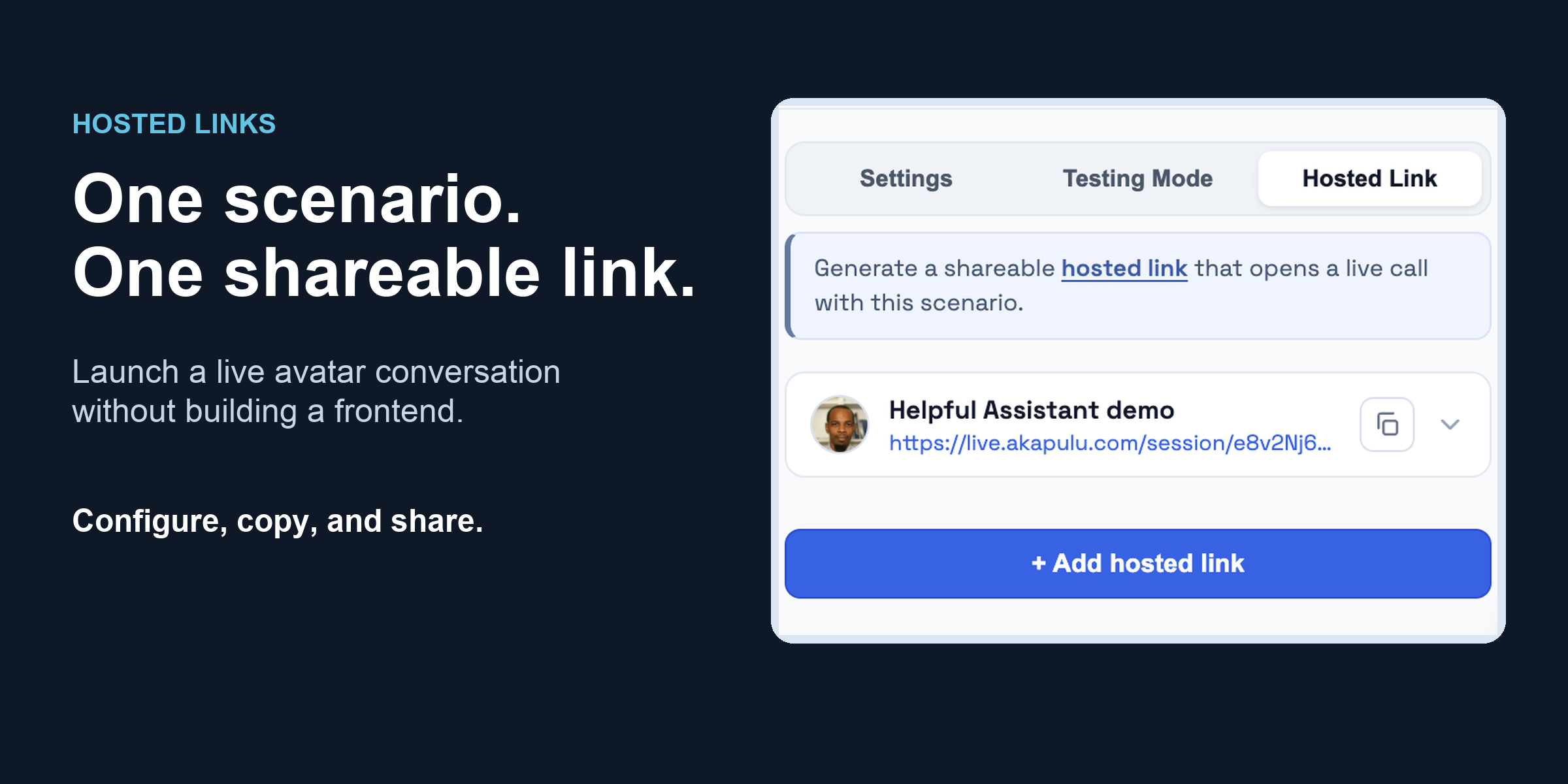
Hosted Links: Launch a Live Avatar Conversation With One Link
Turn any scenario into a public, shareable URL that runs a full live avatar conversation, with no SDK, backend, or API key required.
Hosted Links are the fastest way to put a conversational avatar in front of someone. Turn any scenario into a public, shareable URL that runs a full live avatar conversation, with no SDK, backend, or API key required.
Build your scenario visually, pick an avatar, configure a few connection settings, and share the link. Anyone who opens it can click Start Call and begin a real voice and video conversation.
What is a Hosted Link?
A Hosted Link is a public URL that runs your scenario as a full live avatar conversation (voice and video), hosted by Akapulu. Share it with anyone, and they can open it and click Start Call right away.
Unlike Testing Mode, which is a text-only simulation of your flow, a hosted link starts a real conversation with a real avatar. That means it consumes your voice and video conversation minutes, just like any live session.
What Can You Configure?
Each hosted link stores its own connection settings, so you can create several links for the same scenario, each with a different avatar or set of runtime variables.
- Avatar: the avatar that appears on the call.
- Label: the title shown above Start Call in the hosted UI, and how the link appears in your list of hosted links on the scenario page.
- Runtime variables: a JSON object passed as
runtime_varswhen the call starts. - STT keywords: optional speech-to-text keyword hints.
- Record conversation: whether the conversation is recorded.
- Redirect URL: where the visitor is sent after the call ends (optional).
How Do You Create One?
Everything happens inside the scenario editor. No extra deploy step.
- Open a scenario in the editor, and make sure visual mode is toggled on.
- Open the Scenario Menu (the side panel on the left) and select the Hosted Link tab.
- Click + Add hosted link and fill in the connection settings above.
- Click Add Link, then click Save in the upper right corner to persist your changes.
- Copy the generated URL and paste it into a browser to start your live conversation.
Runtime Variables
A hosted link must provide a value for every runtime variable your scenario declares (the ones referenced as {{runtime.*}} in your role instruction, task instructions, and endpoint templates). Values may be blank, but the keys must be present.
{
"company_name": "Northwind Labs",
"display_name": "Sam Rivera",
"account_id": "acct_99102"
}
The Link You Share
Hosted links use a simple, token-based format:
https://live.akapulu.com/session/<token>
Open the link, click Start Call, and the conversation begins with the avatar and settings you configured. Anyone with the link can start a conversation.
Redirects and Tracking
When you create a hosted link, you can set an optional Redirect URL. After the call ends, the visitor is sent there. For example, point it at your thank-you page:
https://your-site.com/thanks
Then share your hosted link with your own query parameters attached (CRM IDs, UTM tags, or anything else you track):
https://live.akapulu.com/session/<token>?crm_id=abc123&utm_source=email
When the call ends, those parameters are carried over onto your redirect URL. We also append a conversation_session_id so you can sync the hosted conversation with your own systems and later fetch the transcript or recording:
https://your-site.com/thanks?crm_id=abc123&utm_source=email&conversation_session_id=<uuid>
If your redirect URL already includes query parameters, those are preserved. Incoming parameters with the same name do not overwrite them.
Hosted Link or Web SDK?
Hosted links are built for quick integrations, demos, and testing. They are the fastest way to get a scenario in front of someone.
For production and enterprise use cases where you need maximum security and full control (your own domain, authentication, and UI, with no publicly shareable token), we recommend the Web SDK instead.
Hosted Links take you from a scenario to a shareable, live avatar conversation in minutes, with zero code. When you are ready for full control, the same scenario runs through the Web SDK.
Read the full Hosted Links guide, or sign in to create your first link.